
How to Use No-Code Automation for Efficient Inventory Tracking: A Complete Guide 📦
Managing inventory can feel like juggling flaming torches while riding a unicycle – one wrong move and everything comes crashing down. If you’re a business owner tired of spreadsheet nightmares and manual counting marathons, you’re in the right place. No-code automation is revolutionizing how businesses track their inventory, and the best part? You don’t need a computer science degree to implement it.
I’ve seen countless small business owners transform their chaotic inventory systems into streamlined, automated powerhouses using no-code tools. Today, I’m sharing everything you need to know about leveraging these game-changing technologies to create an inventory tracking system that practically runs itself.
Table of Contents 📋
• Understanding No-Code Automation for Inventory Management
• Key Benefits of Automated Inventory Tracking
• Essential Features Your System Should Have
• Top No-Code Tools for Inventory Management
• Step-by-Step Implementation Guide
• Common Challenges and How to Overcome Them
• Best Practices for Long-Term Success
• Real-World Success Stories
• Frequently Asked Questions
Understanding No-Code Automation for Inventory Management 🤖
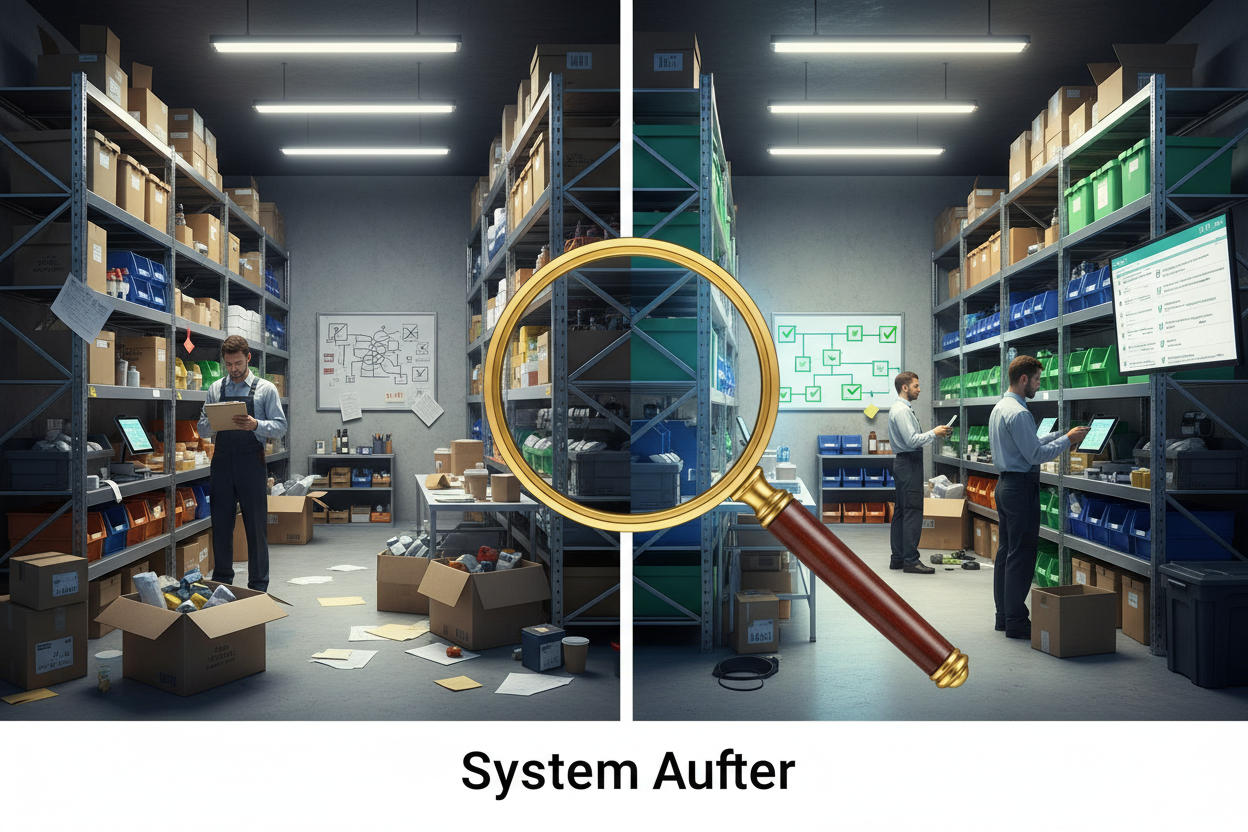
No-code automation is like having a digital assistant that never sleeps, never makes mistakes, and costs a fraction of hiring additional staff. Simply put, it’s technology that allows you to create sophisticated business processes without writing a single line of code.
When applied to inventory tracking, no-code automation can handle everything from updating stock levels when sales occur to automatically reordering products when quantities drop below predetermined thresholds. Think of it as creating a set of “if this, then that” rules that govern how your inventory behaves.
The beauty lies in its accessibility. Whether you’re running a boutique clothing store or managing a warehouse full of electronic components, these tools adapt to your specific needs without requiring technical expertise that would make your head spin.
Key Benefits of Automated Inventory Tracking ✨
The advantages of implementing no-code automation for inventory tracking extend far beyond simply knowing what’s on your shelves. Let me walk you through the transformative benefits that can reshape your entire business operation.
Real-Time Accuracy: Manual inventory tracking is like playing telephone – by the time information reaches its destination, it’s often distorted or outdated. Automated systems provide real-time updates, ensuring your inventory data is always current and reliable.
Significant Cost Reduction: While the initial setup might seem daunting, automated inventory tracking typically pays for itself within months. You’ll reduce labor costs, minimize overstock situations, and virtually eliminate stockouts that cost you sales.
Enhanced Decision Making: With accurate, real-time data at your fingertips, you can make informed decisions about purchasing, pricing, and product placement. It’s like having a crystal ball that actually works!
Improved Customer Satisfaction: Nothing frustrates customers more than discovering their desired item is out of stock after they’ve made the effort to visit your store or website. Automated tracking helps prevent these disappointing scenarios.
Essential Features Your System Should Have 🔧
Not all inventory tracking systems are created equal, and choosing the wrong features can leave you with an expensive digital paperweight. Here are the must-have capabilities that separate amateur solutions from professional-grade systems.
Multi-Channel Integration: Your system should seamlessly connect with your e-commerce platforms, point-of-sale systems, and any marketplaces where you sell products. This creates a unified view of your inventory across all sales channels.
Automated Reorder Points: Set minimum stock levels for each product, and let the system automatically generate purchase orders or alerts when inventory drops below these thresholds. This feature alone can prevent countless stockout situations.
Barcode and QR Code Support: Modern inventory management relies heavily on scanning technology. Ensure your chosen system can generate, read, and process various barcode formats for efficient product identification.
Comprehensive Reporting: Look for systems that offer detailed analytics on inventory turnover, seasonal trends, and profitability by product. These insights become invaluable for strategic planning and growth.
Top No-Code Tools for Inventory Management 🛠️
The no-code landscape offers numerous solutions, each with unique strengths and specializations. After testing dozens of platforms, here are the standout options that consistently deliver results.
Airtable: This spreadsheet-database hybrid excels at creating custom inventory solutions. Its intuitive interface makes it perfect for businesses that want flexibility without complexity. The automation features can handle everything from stock alerts to supplier communications.
Zapier: While not an inventory management system itself, Zapier acts as the connective tissue between your various business tools. It can automatically sync inventory data between your e-commerce platform, accounting software, and warehouse management system.
Monday.com: Originally designed for project management, Monday.com has evolved into a powerful inventory tracking platform. Its visual approach makes it easy to see stock levels, pending orders, and supplier information at a glance.
Notion: For businesses that prefer an all-in-one approach, Notion can serve as both an inventory database and a comprehensive business management system. Its template library includes several inventory tracking solutions that you can customize to your needs.
Step-by-Step Implementation Guide 📝
Implementing a no-code inventory automation system might seem overwhelming, but breaking it down into manageable steps makes the process surprisingly straightforward. Here’s your roadmap to success.
Step 1: Audit Your Current System
Before diving into automation, take a hard look at your existing inventory processes. Document every step, from receiving products to updating stock levels after sales. This audit reveals inefficiencies and helps you understand what needs automation most urgently.
Step 2: Define Your Requirements
Create a list of must-have features based on your business needs. Consider factors like the number of products you manage, sales volume, number of sales channels, and integration requirements with existing tools.
Step 3: Choose Your Platform
Select a no-code tool that aligns with your requirements and budget. Most platforms offer free trials, so test several options before committing. Pay attention to ease of use, scalability, and customer support quality.
Step 4: Set Up Your Database Structure
Create fields for essential product information including SKU numbers, product names, descriptions, costs, selling prices, current stock levels, reorder points, and supplier details. Think of this as building the foundation of your digital warehouse.
Step 5: Configure Automation Rules
Start with simple automations like low-stock alerts and gradually add more complex workflows. For example, you might create a rule that automatically sends a purchase order to suppliers when stock drops below a certain level.
Step 6: Test and Refine
Run your system parallel to your existing processes for a few weeks. This allows you to identify and fix any issues before fully transitioning to the automated system.
Common Challenges and How to Overcome Them ⚡
Even the best-planned implementations face obstacles. Here are the most common challenges I’ve encountered and proven strategies for overcoming them.
Data Migration Headaches: Moving from manual systems or legacy software can be messy. Start by cleaning your existing data before migration. Remove duplicates, standardize naming conventions, and verify accuracy. Consider migrating in phases rather than attempting everything at once.
Staff Resistance: Change is hard, especially for team members comfortable with existing processes. Involve your staff in the selection and setup process. Provide thorough training and emphasize how automation will make their jobs easier, not replace them.
Integration Complications: Connecting multiple systems can be tricky. Start with the most critical integrations first, and don’t hesitate to use middleware tools like Zapier to bridge gaps between platforms that don’t naturally connect.
Scalability Concerns: What works for 100 products might not work for 10,000. Choose platforms that can grow with your business, and regularly review your system’s performance as your inventory expands.
Best Practices for Long-Term Success 🎯
Creating an automated inventory system is just the beginning. Maintaining its effectiveness requires ongoing attention and optimization.
Regular Data Audits: Schedule monthly reviews of your inventory data. Look for discrepancies, outdated information, and opportunities to improve accuracy. Even automated systems benefit from human oversight.
Continuous Process Improvement: As your business evolves, so should your inventory system. Regularly evaluate your automation rules and workflows to ensure they still serve your current needs.
Backup and Security: Protect your inventory data with regular backups and appropriate security measures. Consider what would happen if your system went down for a day – having contingency plans prevents panic.
Performance Monitoring: Track key metrics like inventory turnover, stockout frequency, and order accuracy. These indicators help you measure the success of your automation efforts and identify areas for improvement.
Real-World Success Stories 🌟
Sometimes the best way to understand the power of no-code inventory automation is through real examples. Here are two businesses that transformed their operations using these tools.
Sarah’s Boutique: This small clothing retailer was drowning in manual inventory tracking across her physical store and online shop. After implementing Airtable with automated stock level updates, she reduced inventory discrepancies by 95% and freed up 15 hours per week for customer service and business development.
TechParts Warehouse: A electronics parts distributor struggled with coordinating inventory across multiple suppliers and sales channels. Using Monday.com integrated with Zapier, they automated their entire reorder process and reduced stockouts by 80% while cutting inventory holding costs by 25%.
Conclusion 🚀
No-code automation has democratized sophisticated inventory management, making enterprise-level capabilities accessible to businesses of all sizes. The tools and strategies outlined in this guide provide everything you need to transform your inventory tracking from a daily headache into a competitive advantage.
Remember, the goal isn’t perfection from day one – it’s progress. Start with basic automation and gradually add complexity as you become more comfortable with the system. The time you invest in setting up these processes will pay dividends in improved accuracy, reduced costs, and better customer satisfaction.
Your inventory is the lifeblood of your business. Isn’t it time you gave it the attention and automation it deserves? The tools are available, the benefits are proven, and the only thing standing between you and a more efficient business is taking that first step.
Frequently Asked Questions ❓
Q: How much does it cost to implement no-code inventory automation?
A: Costs vary widely depending on your chosen platform and business size. Basic plans start around $10-20 per month, while more robust solutions can range from $50-200 monthly. Most businesses see ROI within 3-6 months through reduced labor costs and improved efficiency.
Q: Can no-code tools handle complex inventory scenarios like bundles or variants?
A: Absolutely! Modern no-code platforms excel at handling product variants, bundles, and complex inventory relationships. You can set up rules for how bundle sales affect individual component stock levels and manage size/color variants within a single product family.
Q: What happens if my internet connection goes down?
A: Most no-code platforms offer offline capabilities or mobile apps that sync when connectivity returns. However, it’s wise to have backup procedures in place, such as temporary manual tracking methods, for extended outages.
Q: How long does it typically take to implement a no-code inventory system?
A: For small to medium businesses, basic implementation usually takes 1-2 weeks, with full optimization occurring over 1-2 months. The timeline depends on your inventory complexity and how much customization you require.
Q: Can I integrate my existing POS system with no-code inventory tools?
A: Most modern POS systems offer API connections or direct integrations with popular no-code platforms. If direct integration isn’t available, tools like Zapier can usually bridge the gap between systems.
Click Here For More Details