
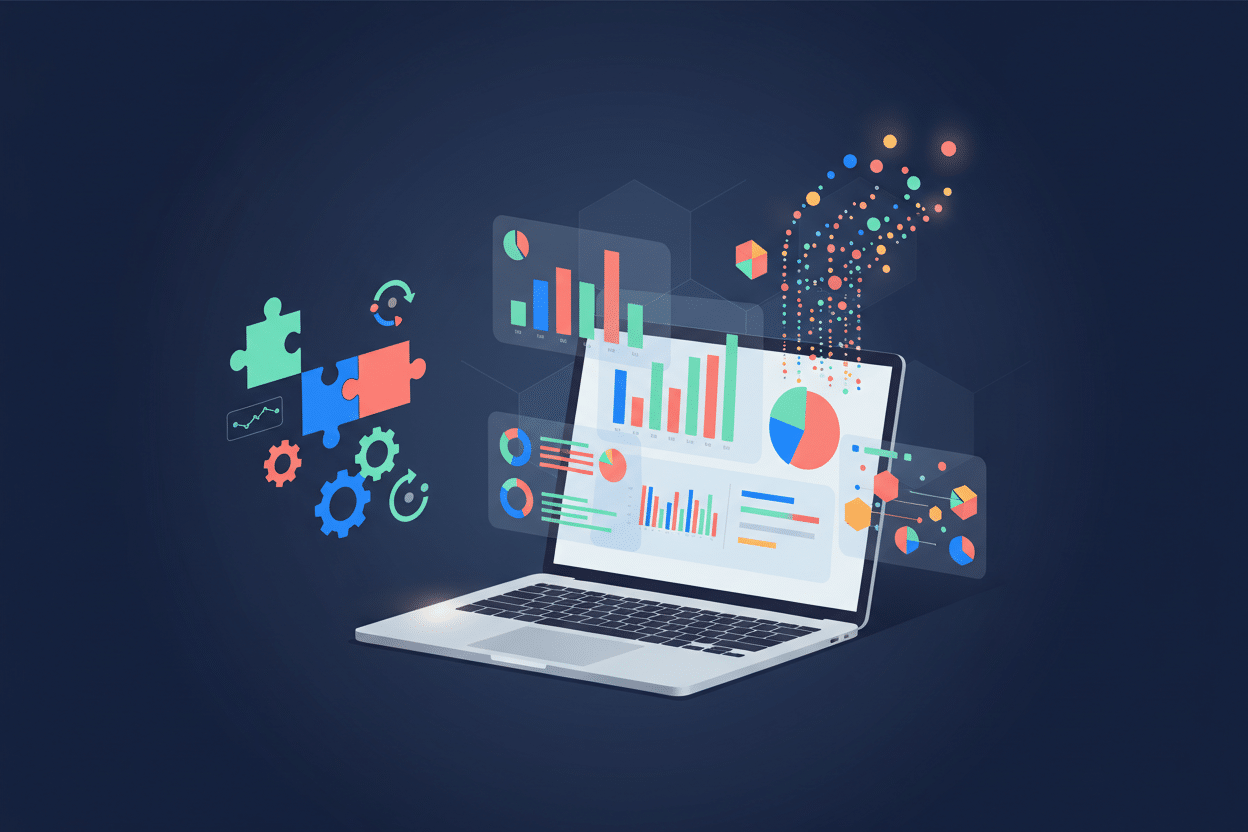
How to Use No-Code Automation for Efficient Data Visualization 📊
Remember the days when creating stunning data visualizations meant wrestling with complex coding languages or begging the IT department for help? Those days are officially behind us! The rise of no-code automation has revolutionized how we transform raw data into compelling visual stories, making data visualization accessible to everyone—from marketing managers to small business owners who can barely spell “Python.”
Whether you’re drowning in spreadsheets or struggling to make sense of your business metrics, no-code automation tools can be your lifeline. They’re not just changing the game; they’re rewriting the entire rulebook for how we interact with data. Let’s dive into this exciting world where drag-and-drop simplicity meets enterprise-level functionality.
Table of Contents
• Understanding No-Code Automation in Data Visualization
• Top Benefits of No-Code Data Visualization Tools
• Essential No-Code Platforms for Data Visualization
• Step-by-Step Guide to Creating Your First Automated Dashboard
• Advanced No-Code Automation Techniques
• Common Challenges and How to Overcome Them
• Real-World Success Stories
• Future Trends in No-Code Data Visualization
• Frequently Asked Questions
Understanding No-Code Automation in Data Visualization 🤖
No-code automation in data visualization is like having a personal data scientist who never sleeps, never complains, and works for the cost of a monthly subscription. It’s the process of automatically collecting, processing, and presenting data through visual interfaces without writing a single line of code.
Think of it as the difference between manually painting a masterpiece and using a sophisticated camera that automatically captures and enhances the perfect shot. The end result can be just as beautiful, but the path to get there is infinitely more accessible.
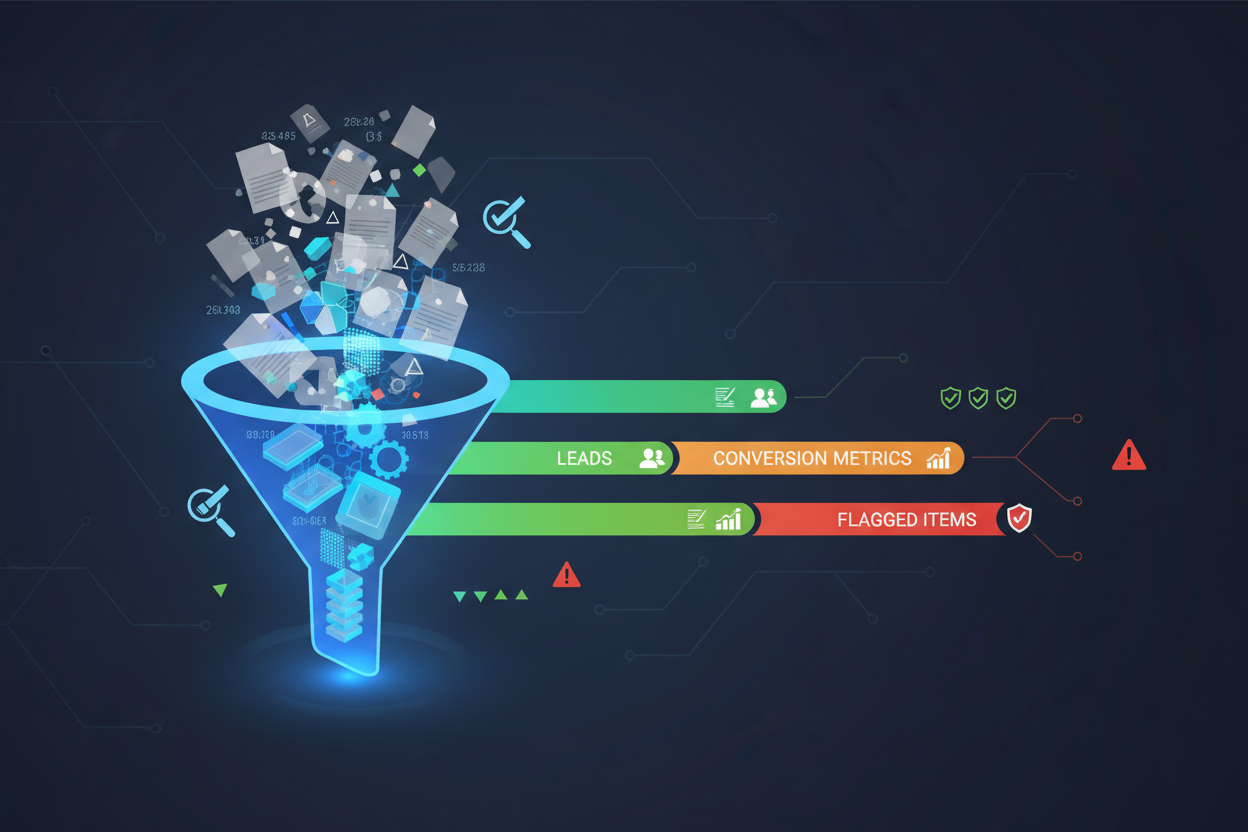
These platforms use visual programming interfaces where you can connect different data sources, apply transformations, and create visualizations using simple drag-and-drop actions. It’s democratizing data analysis in ways we never thought possible just a decade ago.
Top Benefits of No-Code Data Visualization Tools ✨
The advantages of embracing no-code automation for data visualization extend far beyond just saving time—though that’s certainly a major perk! Here’s why businesses of all sizes are making the switch:
Speed and Efficiency: What used to take weeks of development can now be accomplished in hours. I’ve seen marketing teams create comprehensive campaign dashboards during their lunch break—something that would have previously required a dedicated developer and multiple meetings.
Cost-Effectiveness: Hiring a full-time data analyst or developer can cost upwards of $80,000 annually. Most no-code platforms cost less than $1,000 per year, making them incredibly budget-friendly for small to medium businesses.
Real-Time Updates: Automated data flows mean your visualizations stay current without manual intervention. Your sales dashboard updates automatically as new deals close, giving you instant insights into performance trends.
Accessibility for Non-Technical Users: The biggest game-changer is that anyone can become a data visualization expert. HR managers can track employee satisfaction metrics, sales teams can monitor pipeline health, and executives can oversee KPIs—all without technical expertise.
Essential No-Code Platforms for Data Visualization 🛠️
Choosing the right platform can make or break your no-code automation journey. Here are the standout options that have proven their worth in real-world scenarios:
Tableau Public: The gold standard for professional data visualization. While the full version requires investment, Tableau Public offers robust capabilities for creating interactive dashboards. It’s particularly strong for complex data relationships and statistical analysis.
Microsoft Power BI: Seamlessly integrates with the Microsoft ecosystem, making it perfect for organizations already using Office 365. The automated data refresh capabilities are exceptional, and the natural language query feature feels almost magical.
Zapier + Google Data Studio: This combination creates a powerful automation pipeline. Zapier handles the data collection and processing, while Google Data Studio provides beautiful, shareable visualizations. It’s particularly effective for marketing and social media analytics.
Airtable: More than just a database, Airtable’s visualization features are surprisingly robust. It’s excellent for project management dashboards and operational metrics tracking.
Notion: While primarily a productivity platform, Notion’s database and formula capabilities make it a sleeper hit for simple data visualization projects. The learning curve is gentle, making it perfect for beginners.
Step-by-Step Guide to Creating Your First Automated Dashboard 📈
Let’s walk through creating a sales performance dashboard using no-code automation. This practical example will give you hands-on experience with the concepts we’ve discussed.
Step 1: Define Your Objectives
Before touching any tools, clearly define what you want to achieve. Are you tracking monthly sales targets? Monitoring customer acquisition costs? Understanding your goals will guide every subsequent decision.
Step 2: Identify and Connect Data Sources
Most businesses have data scattered across multiple platforms—CRM systems, email marketing tools, social media platforms, and spreadsheets. Use automation tools like Zapier or Microsoft Power Automate to create connections between these sources.
Step 3: Set Up Data Processing Rules
This is where automation shines. Create rules that automatically clean, categorize, and transform your data. For example, automatically categorize leads by source, calculate conversion rates, or flag deals that haven’t been updated in a specified timeframe.
Step 4: Design Your Visual Layout
Choose chart types that best represent your data story. Line charts for trends over time, bar charts for comparisons, and pie charts for composition. Most no-code platforms offer templates to get you started quickly.
Step 5: Configure Automated Updates
Set refresh schedules that match your business needs. Real-time updates for critical metrics, hourly refreshes for operational dashboards, or daily updates for strategic overviews.
Step 6: Test and Iterate
Launch with a simple version and gradually add complexity. Gather feedback from users and continuously refine your dashboard based on actual usage patterns.
Advanced No-Code Automation Techniques 🚀
Once you’ve mastered the basics, these advanced techniques will elevate your data visualization game to professional levels:
Conditional Formatting and Alerts: Set up automated alerts when metrics exceed thresholds. Imagine receiving a notification when website traffic drops below normal levels or when a sales target is achieved ahead of schedule.
Multi-Source Data Blending: Combine data from various sources to create comprehensive insights. Merge website analytics with social media performance and email campaign results to understand your complete marketing funnel.
Predictive Analytics Integration: Some no-code platforms now include basic machine learning capabilities. You can forecast trends and identify patterns without understanding complex algorithms.
Interactive Filtering and Drill-Down: Create dashboards where users can explore data independently. Allow them to filter by date ranges, product categories, or geographic regions to find their own insights.
Common Challenges and How to Overcome Them 💡
Even in the no-code world, challenges exist. Here’s how to navigate the most common obstacles:
Data Quality Issues: Garbage in, garbage out remains true regardless of the tools you use. Implement data validation rules and regular audits to maintain data integrity. Most no-code platforms include built-in data quality checks.
Performance with Large Datasets: No-code tools have limitations when dealing with massive datasets. Consider data sampling techniques or use platforms specifically designed for big data scenarios.
Security and Compliance: Ensure your chosen platform meets your industry’s security requirements. Look for SOC 2 compliance, GDPR adherence, and robust access controls.
Platform Lock-in: Avoid becoming too dependent on a single vendor. Maintain data portability and have backup plans for critical visualizations.
Real-World Success Stories 🌟
The proof is in the pudding, and these success stories demonstrate the transformative power of no-code automation:
A local restaurant chain used no-code automation to track daily sales, inventory levels, and customer feedback across 15 locations. The automated dashboard helped them identify underperforming locations and optimize menu offerings, resulting in a 23% increase in overall profitability within six months.
A nonprofit organization automated their donor tracking and impact measurement using Airtable and Zapier. They reduced manual reporting time by 80% and increased donor retention by 35% through better communication and transparency.
A digital marketing agency created automated client reporting dashboards that pull data from Google Ads, Facebook Ads, and Google Analytics. This eliminated 20 hours of manual report generation per week and improved client satisfaction scores significantly.
Future Trends in No-Code Data Visualization 🔮
The no-code revolution is just getting started. Here’s what’s on the horizon:
AI-Powered Insights: Platforms are beginning to incorporate artificial intelligence that automatically identifies trends and anomalies in your data, providing insights you might have missed.
Voice-Activated Dashboards: Imagine asking your dashboard, “What were our top-performing products last quarter?” and receiving instant visual responses.
Augmented Reality Integration: AR-powered data visualization will allow you to overlay business metrics onto real-world environments, creating immersive analytical experiences.
Collaborative Analytics: Enhanced real-time collaboration features will make data analysis a truly team-based activity, with multiple users contributing to insights simultaneously.
Conclusion
No-code automation has transformed data visualization from a specialized skill into an accessible superpower that anyone can wield. The barriers that once separated business users from their data have crumbled, replaced by intuitive platforms that democratize analytics.
The journey from raw data to actionable insights no longer requires a computer science degree or a hefty budget. With the right no-code tools and automation strategies, you can create professional-grade visualizations that drive real business value.
Start small, think big, and remember that every expert was once a beginner. Your first automated dashboard might be simple, but it’s the foundation for a data-driven future where insights flow as naturally as conversations. The tools are ready, the platforms are mature, and the only question remaining is: what story will your data tell? 📊✨
Frequently Asked Questions
Q: Do I need any technical background to use no-code data visualization tools?
A: Absolutely not! That’s the beauty of no-code platforms. If you can use Excel or create a PowerPoint presentation, you can master these tools. Most platforms offer extensive tutorials and templates to get you started.
Q: How much do no-code data visualization platforms typically cost?
A: Costs vary widely, from free tiers (Google Data Studio, Tableau Public) to enterprise solutions ($50-500+ per month). Most small businesses can get started with powerful capabilities for under $100 monthly.
Q: Can no-code tools handle real-time data updates?
A: Yes! Most modern no-code platforms support real-time or near-real-time data updates. You can set refresh intervals from minutes to hours depending on your needs and data source capabilities.
Q: What’s the biggest limitation of no-code data visualization?
A: The main limitations are typically around handling extremely large datasets (millions of rows) and highly complex statistical analyses. However, for 90% of business use cases, no-code tools are more than sufficient.
Q: How secure are no-code platforms for sensitive business data?
A: Reputable no-code platforms invest heavily in security, often exceeding the security measures of custom-built solutions. Look for SOC 2 compliance, encryption, and robust access controls when choosing a platform.
Q: Can I migrate my visualizations if I want to switch platforms?
A: Migration capabilities vary by platform. Most allow data export, but visualization designs may need to be recreated. Consider this when choosing your initial platform and maintain good documentation of your setup processes.
Click Here For More Details


