How to Automate Your Personal Tasks with No-Code Tools: A Complete Guide to Reclaim Your Time ⏰
Table of Contents
📋 Introduction to Personal Task Automation
🛠️ What Are No-Code Tools and Why They Matter
🎯 Top Personal Tasks You Can Automate Today
⚡ Best No-Code Automation Tools for Beginners
📱 Email and Communication Automation
💰 Financial Management Automation
🏠 Home and Lifestyle Automation
📊 Productivity and Task Management Automation
🚀 Getting Started: Your First Automation Project
❓ Frequently Asked Questions
✨ Conclusion
Introduction to Personal Task Automation 📋
Picture this: you wake up on Monday morning, and instead of scrambling through your usual routine of checking emails, updating spreadsheets, and remembering to pay bills, everything has already been handled automatically. Sounds like a dream? Well, it’s actually more achievable than you might think!
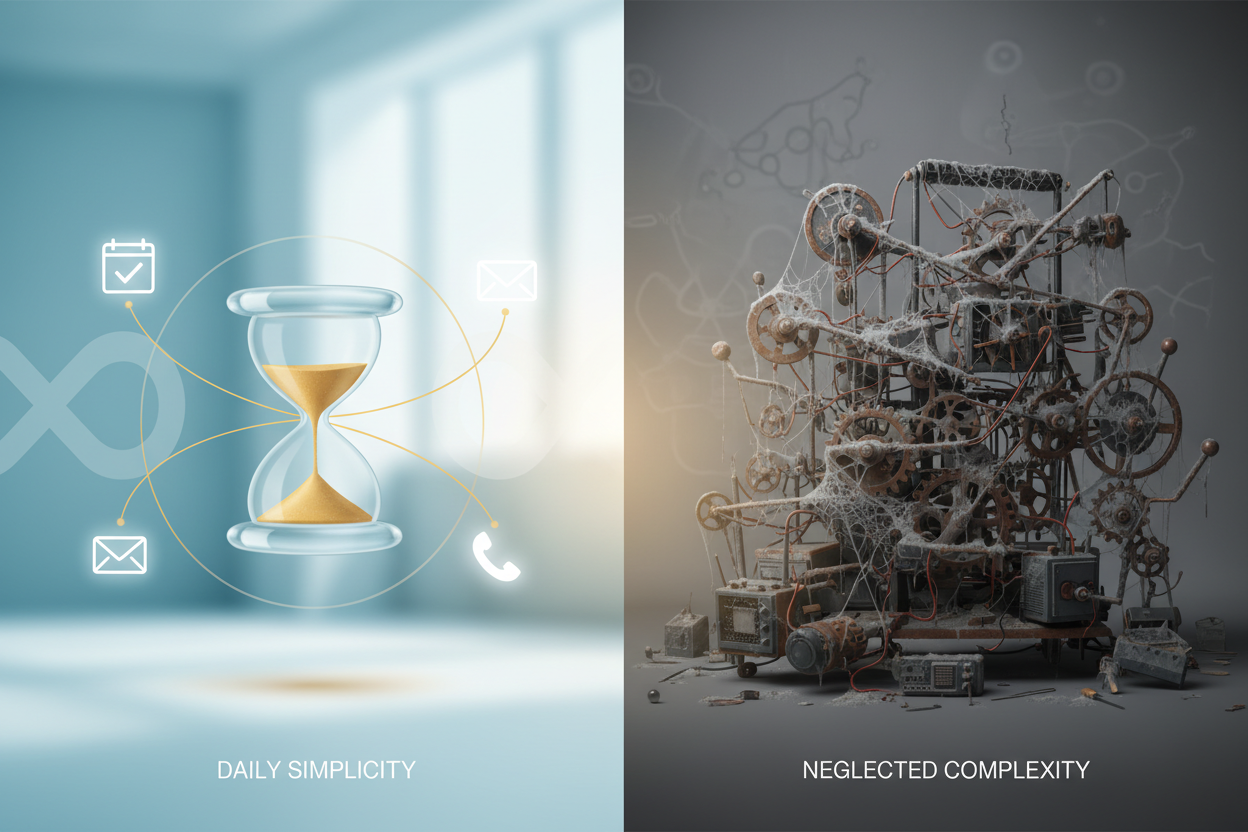
Personal task automation isn’t just for tech wizards anymore. Thanks to the rise of no-code tools, anyone can create powerful automations that handle repetitive tasks, organize information, and streamline daily routines. Whether you’re a busy professional, a parent juggling multiple responsibilities, or someone who simply wants to optimize their time, automation can be your secret weapon.
In today’s fast-paced world, we’re constantly looking for ways to be more efficient. The average person spends nearly 21% of their day on repetitive tasks that could easily be automated. That’s over four hours daily that could be redirected toward more meaningful activities like spending time with family, pursuing hobbies, or focusing on high-value work.
What Are No-Code Tools and Why They Matter 🛠️
No-code tools are software platforms that allow you to build automations, apps, and workflows without writing a single line of code. Think of them as digital building blocks that you can drag, drop, and connect to create powerful solutions. It’s like having a personal assistant that never sleeps, never forgets, and works exactly how you want it to.
The beauty of no-code automation lies in its accessibility. You don’t need a computer science degree or years of programming experience. These tools use visual interfaces, pre-built templates, and simple logic that anyone can understand. Most no-code platforms offer free tiers, making them perfect for personal use.
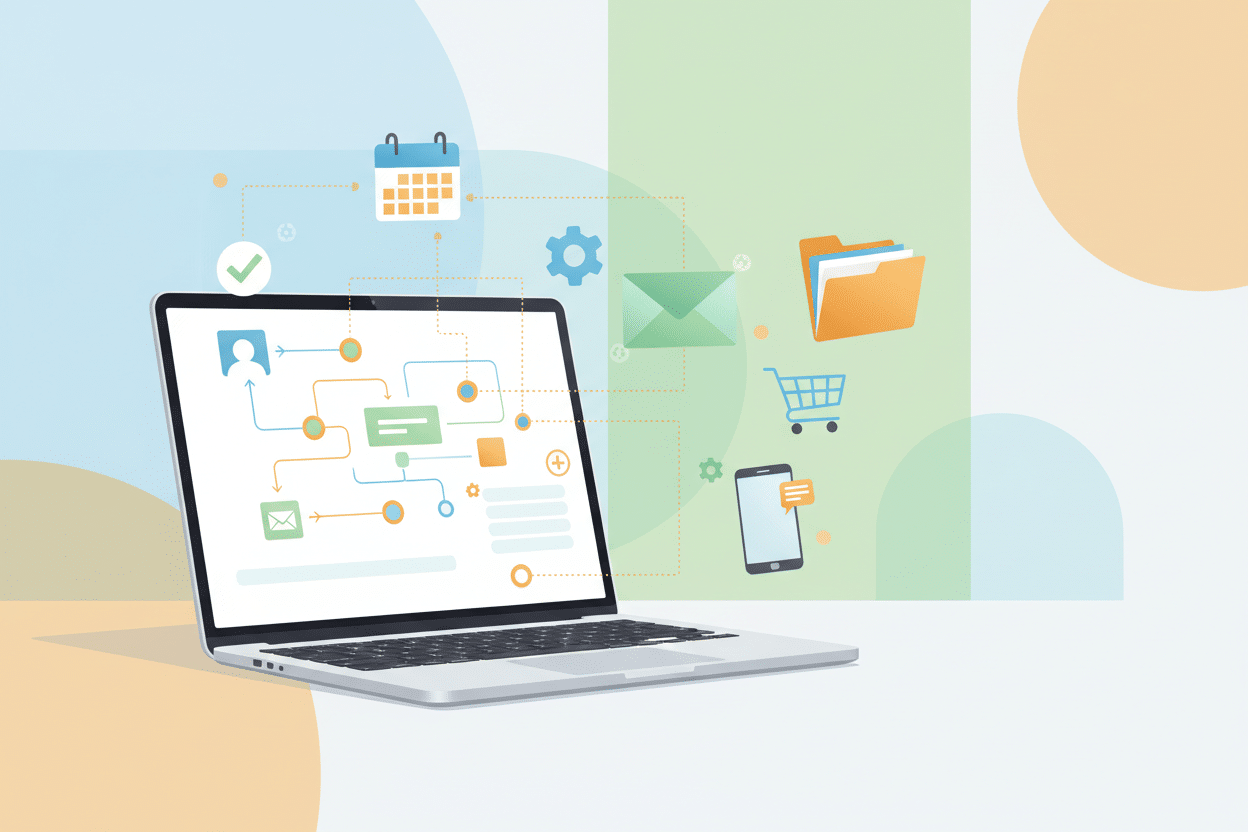
What makes no-code tools particularly powerful is their ability to connect different apps and services. Your email can talk to your calendar, your bank account can update your budgeting spreadsheet, and your smart home devices can respond to your daily schedule. The possibilities are virtually endless!
Top Personal Tasks You Can Automate Today 🎯
Before diving into specific tools, let’s explore the types of personal tasks that are perfect candidates for automation. The key is identifying repetitive, rule-based activities that don’t require creative thinking or complex decision-making.
Email management tops the list for most people. This includes sorting emails into folders, forwarding specific messages to team members, or creating automatic responses for common inquiries. Financial tasks like expense tracking, bill reminders, and investment portfolio updates are also excellent automation candidates.
Social media management, calendar scheduling, data backup, and even grocery list creation can all be automated. Home-related tasks such as adjusting thermostat settings, managing smart lighting, and organizing digital photos are increasingly popular automation projects.
The trick is starting small. Pick one task that you do regularly and find tedious. Maybe it’s manually entering expenses into a spreadsheet or remembering to water your plants. These simple automations build confidence and demonstrate the value of the approach.
Best No-Code Automation Tools for Beginners ⚡
Zapier stands out as the most beginner-friendly automation platform. With over 5,000 app integrations, it can connect virtually any online service you use. The interface is intuitive – you create “Zaps” by selecting a trigger (when something happens) and an action (what you want to happen next). For example, when you receive an email with an attachment, automatically save it to Google Drive.
IFTTT (If This Then That) offers a simpler approach with pre-made “applets” for common automation scenarios. It’s particularly strong for smart home integrations and social media automation. The free tier is generous, making it perfect for personal use.
Microsoft Power Automate integrates seamlessly with Office 365 and offers robust capabilities for both personal and professional use. If you’re already in the Microsoft ecosystem, this might be your best starting point.
For more advanced users, Integromat (now Make) provides powerful features with a visual workflow builder. It offers more complex logic and branching capabilities, though it has a steeper learning curve.
Email and Communication Automation 📱
Email automation can transform your communication efficiency. Start with simple rules like automatically forwarding receipts to your expense tracking app or creating folders for different types of emails. You can set up automatic responses for vacation periods or frequently asked questions.
One powerful automation involves creating a unified inbox system. When you receive emails from different accounts, they can be automatically sorted, labeled, and even summarized. Important emails can trigger notifications on your phone, while newsletters can be batched for weekend reading.
Communication automation extends beyond email. You can automatically post birthday wishes on social media, send reminder texts for appointments, or create calendar events from email invitations. The goal is reducing the mental overhead of staying connected while ensuring nothing important falls through the cracks.
Consider setting up automated follow-ups for important conversations. If someone doesn’t respond to an email within a week, the system can automatically send a gentle reminder or flag it for your attention.
Financial Management Automation 💰
Financial automation can significantly improve your money management habits. Start by connecting your bank accounts to budgeting tools like Mint or YNAB through secure APIs. Transactions can be automatically categorized, and spending alerts can be triggered when you exceed budget limits.
Bill payment automation ensures you never miss due dates. While many banks offer basic bill pay services, no-code tools can create more sophisticated systems. You can automatically move money between accounts, invest spare change, or even adjust savings contributions based on spending patterns.
Expense tracking becomes effortless when receipts are automatically captured and categorized. Take a photo of a receipt, and it can be automatically entered into your expense tracker with the amount, category, and date extracted using OCR technology.
Investment automation can help with portfolio rebalancing, dividend tracking, and performance monitoring. You can set up alerts for significant market movements or automatically invest a percentage of your income in diversified funds.
Home and Lifestyle Automation 🏠
Smart home automation extends far beyond turning lights on and off. You can create sophisticated routines that adjust your environment based on your schedule, weather conditions, or even your mood. Morning routines can gradually increase lighting, start the coffee maker, and play your favorite news podcast.
Seasonal automations are particularly satisfying. Your system can automatically adjust heating and cooling schedules, switch to appropriate lighting scenes, or even order seasonal items before you realize you need them.
Health and fitness automation can track workout routines, monitor sleep patterns, and remind you to take breaks during long work sessions. Your fitness tracker can automatically log workouts to your health app and adjust your daily calorie targets.
Grocery and household management becomes streamlined when your smart home can detect when you’re running low on essentials and automatically add them to your shopping list or even place orders directly.
Productivity and Task Management Automation 📊
Productivity automation focuses on optimizing how you plan, execute, and track your work. Calendar automation can block focus time, automatically decline conflicting meetings, or create buffer time between appointments. Your task management system can automatically prioritize items based on deadlines and importance.
Document automation saves countless hours on repetitive paperwork. Templates can be automatically populated with information from other sources, contracts can be generated from CRM data, and reports can be compiled from multiple systems.
Time tracking automation provides insights into how you actually spend your day versus how you think you spend it. Activities can be automatically logged based on which applications you’re using or which websites you’re visiting.
Project management automation keeps teams synchronized and stakeholders informed. Status updates can be automatically generated, progress reports can be compiled from task completion data, and alerts can be sent when deadlines approach.
Getting Started: Your First Automation Project 🚀
Starting your automation journey doesn’t require a complete overhaul of your current systems. Begin with what I call the “15-minute rule” – identify a task that takes 15 minutes or less but happens regularly. This might be filing emails, updating a tracking spreadsheet, or backing up photos.
Choose your first automation tool based on the apps you already use. If you’re heavily invested in Google Workspace, start with Google Apps Script or Zapier’s Google integrations. Microsoft users should explore Power Automate, while Apple ecosystem users might prefer Shortcuts combined with IFTTT.
Map out your current process step by step before attempting to automate it. Understanding the manual workflow helps identify which parts can be automated and which require human judgment. Start with the most repetitive, rule-based portions.
Test your automation thoroughly before relying on it completely. Run it manually several times, check the outputs, and have a backup plan if something goes wrong. Most no-code tools offer testing features and activity logs to help debug issues.
Document your automations as you build them. Include what triggers them, what they do, and how to modify them if needed. Future you will thank present you for this documentation when you need to update or troubleshoot the system.
Frequently Asked Questions ❓
How much can I really save with personal task automation?
Most people save 5-10 hours per week once they have a few key automations running. The time savings compound over time as you build more sophisticated workflows. Beyond time, automation reduces mental overhead and stress from forgetting important tasks.
Are no-code automation tools secure for personal data?
Reputable no-code platforms use enterprise-grade security measures including encryption, secure APIs, and compliance with privacy regulations. However, always review the privacy policies and avoid automating highly sensitive information like passwords or social security numbers.
What happens if the automation tool goes down or stops working?
Most established platforms have high uptime rates, but it’s wise to have backup plans for critical automations. Many tools offer status pages and notifications when services are disrupted. For essential tasks, consider having manual fallback procedures.
How much do these tools typically cost?
Many no-code tools offer generous free tiers suitable for personal use. Paid plans typically range from $10-50 per month and offer more advanced features, higher usage limits, and priority support. Start with free tiers and upgrade only when you hit limitations.
Can I automate tasks between different platforms and apps?
Yes! This is one of the biggest strengths of modern no-code tools. They can connect hundreds or thousands of different apps and services, allowing data to flow seamlessly between your entire digital ecosystem.
How technical do I need to be to create automations?
Most no-code tools are designed for non-technical users. If you can use a smartphone or navigate websites, you can likely create basic automations. More complex workflows might require some logical thinking, but no programming knowledge is necessary.
Conclusion ✨
Personal task automation with no-code tools represents a fundamental shift in how we can manage our daily lives. It’s not about replacing human creativity and decision-making – it’s about freeing ourselves from repetitive, time-consuming tasks so we can focus on what truly matters.
The journey into automation doesn’t happen overnight, and it doesn’t need to be perfect from the start. Begin with small, manageable projects that solve real problems in your daily routine. As you build confidence and see the benefits, you can gradually expand your automation ecosystem.
Remember that the best automation is the one that actually gets used. Don’t get caught up in creating the most complex or impressive workflow – focus on solutions that genuinely improve your life. Sometimes the simplest automation that saves you 10 minutes every day is more valuable than a sophisticated system you never actually implement.
The tools and techniques discussed in this guide are just the beginning. As no-code platforms continue to evolve and new services emerge, the possibilities for personal automation will only expand. The key is developing an automation mindset – constantly looking for opportunities to eliminate repetitive work and optimize your personal systems.
Start today with one small automation project. Your future self will thank you for taking that first step toward a more organized, efficient, and stress-free life. The time you invest in setting up these systems will pay dividends for years to come, giving you more freedom to focus on the people and activities that bring you joy and fulfillment.
Click Here For More Details