How to Use No-Code Automation to Enhance Client Satisfaction 🚀
Table of Contents
• Introduction to No-Code Automation and Client Satisfaction
• Understanding the Connection Between Automation and Happy Clients
• Top No-Code Automation Tools for Client Management
• Streamlining Communication Through Automated Workflows
• Automating Client Onboarding for a Seamless Experience
• Project Management Automation That Clients Love
• Creating Automated Feedback and Follow-up Systems
• Personalizing Client Experiences with Smart Automation
• Measuring Success: KPIs for Client Satisfaction
• Common Pitfalls to Avoid When Implementing Automation
• Conclusion
• Frequently Asked Questions
Introduction to No-Code Automation and Client Satisfaction
Picture this: It’s 2 AM, and while you’re sleeping peacefully, your business is still working hard to delight your clients. Welcome messages are being sent to new customers, project updates are flowing seamlessly, and follow-up emails are being dispatched right on schedule. This isn’t a fantasy – it’s the reality of no-code automation! 🌙
In today’s fast-paced business environment, client satisfaction isn’t just about delivering great products or services anymore. It’s about creating experiences that feel personal, timely, and effortless. The secret weapon? No-code automation tools that let you build sophisticated workflows without writing a single line of code.
Whether you’re a solo entrepreneur juggling multiple clients or part of a growing team struggling to maintain that personal touch as you scale, no-code automation can transform how you interact with your clients. Let’s dive into how you can leverage these powerful tools to not just meet client expectations, but consistently exceed them.
Understanding the Connection Between Automation and Happy Clients
You might wonder, “How can automation make my service more personal?” It seems counterintuitive, right? Here’s the thing – automation doesn’t replace the human touch; it amplifies it. When you automate routine tasks, you free up time to focus on what really matters: building meaningful relationships with your clients.
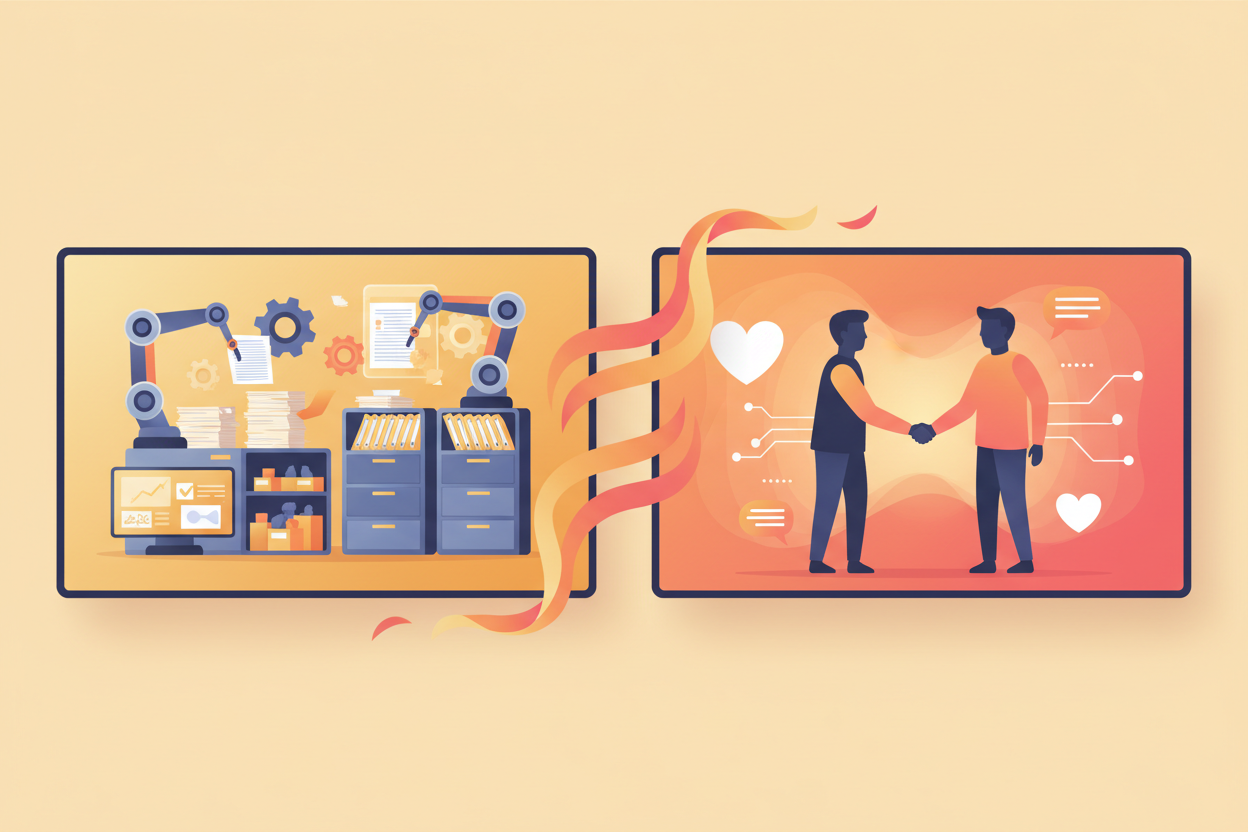
Think about it from your client’s perspective. They want consistent communication, timely updates, and quick responses to their needs. Manual processes often lead to delays, forgotten follow-ups, and inconsistent experiences. Automation ensures that every client receives the same high level of service, every single time. ✨
Moreover, today’s clients expect instant gratification. They want immediate confirmations, real-time updates, and 24/7 availability. No-code automation makes this possible without requiring you to work around the clock or hire a massive team.
Top No-Code Automation Tools for Client Management
The no-code automation landscape is rich with options, each offering unique strengths for client management. Let me walk you through some game-changers that I’ve seen transform businesses:
Zapier remains the Swiss Army knife of automation. It connects over 5,000 apps, making it incredibly versatile for creating custom workflows. Whether you need to sync client data between your CRM and project management tool or automatically create invoices when projects are completed, Zapier has you covered.
Make (formerly Integromat) offers more complex automation scenarios with its visual workflow builder. It’s perfect when you need conditional logic and multi-step processes that adapt based on specific client behaviors or preferences.
Notion has evolved beyond note-taking to become a powerful automation platform. Its databases can trigger automated actions, making it excellent for client project tracking and communication management.
Airtable combines spreadsheet functionality with database power, offering automation features that can streamline client data management and trigger actions based on specific criteria.
Streamlining Communication Through Automated Workflows
Communication is the heartbeat of client satisfaction, and automation can ensure it never skips a beat. I’ve seen businesses transform their client relationships simply by implementing smart communication workflows. 💬
Start with automated welcome sequences. When a new client signs up, they should immediately receive a warm welcome email with clear next steps, relevant resources, and contact information. This sets the tone for the entire relationship and shows professionalism from day one.
Project milestone notifications keep clients in the loop without overwhelming your team with manual updates. Set up triggers that automatically notify clients when specific project phases are completed, deliverables are ready for review, or when their input is needed.
Don’t forget about automated reminders for important deadlines, meetings, or required actions from the client’s side. These gentle nudges prevent projects from stalling and demonstrate your proactive approach to project management.
Automating Client Onboarding for a Seamless Experience
First impressions matter tremendously, and your onboarding process is often the first real interaction clients have with your business operations. A smooth, automated onboarding experience sets the stage for a successful long-term relationship.
Create a comprehensive onboarding workflow that triggers the moment a contract is signed. This might include sending a detailed welcome packet, scheduling an initial kickoff call, setting up project management access, and collecting necessary information through automated forms.
I love using conditional automation here – different client types or service packages can trigger different onboarding sequences. A web design client might receive information about your design process and brand questionnaire, while a consulting client gets access to your methodology documents and scheduling links.
Automated task creation for your team ensures nothing falls through the cracks. When a new client is onboarded, relevant team members automatically receive their assignments, deadlines are set, and project timelines are established. 📅
Project Management Automation That Clients Love
Project management is where automation truly shines in client satisfaction. Clients want transparency, predictability, and confidence that their projects are progressing smoothly. Automated project management delivers all three.
Set up automatic project status updates that keep clients informed without requiring manual intervention from your team. When tasks are completed, milestones are reached, or issues arise, clients receive immediate notifications with relevant details and next steps.
Create automated reporting systems that generate and send weekly or monthly project summaries. These reports can include completed tasks, upcoming milestones, budget status, and any blockers that need client attention. Consistency in reporting builds trust and demonstrates your commitment to transparency.
Invoice automation tied to project milestones ensures timely billing and payment processing. When specific deliverables are marked complete, invoices are automatically generated and sent, streamlining your cash flow while keeping clients informed about billing schedules.
Creating Automated Feedback and Follow-up Systems
Client feedback is gold, but collecting it consistently can be challenging when done manually. Automated feedback systems ensure you capture valuable insights while showing clients that their opinions matter. 🏆
Implement post-project satisfaction surveys that automatically trigger when projects are marked complete. Keep them short, focused, and easy to complete. The key is timing – strike while the experience is fresh in their minds.
Set up automated check-ins for long-term clients. These can be simple “How are things going?” emails or more structured quarterly business reviews. Regular touchpoints strengthen relationships and often uncover opportunities for additional services.
Create automated follow-up sequences for different client interactions. After a proposal is sent, after a meeting is completed, or after a service is delivered, automated follow-ups ensure consistent communication and demonstrate your attention to detail.
Personalizing Client Experiences with Smart Automation
The magic of modern automation lies in its ability to create personalized experiences at scale. By leveraging client data and behavioral triggers, you can make each client feel like your only client, even when you’re serving hundreds.
Use dynamic content in your automated communications. Instead of generic messages, incorporate client names, project details, specific services they’ve purchased, and relevant milestones. This personal touch makes automated messages feel human and thoughtful.
Implement behavior-based triggers that respond to client actions. If a client frequently checks project status, automatically send them more detailed updates. If they rarely engage with your communications, adjust the frequency or format to better suit their preferences.
Create client-specific automation rules based on their industry, company size, or service package. A startup client might receive different resources and communication styles compared to an enterprise client, all delivered automatically based on predefined criteria. 🎯
Measuring Success: KPIs for Client Satisfaction
What gets measured gets managed, and client satisfaction is no exception. Automation not only improves client experiences but also provides valuable data to measure your success and identify areas for improvement.
Track response times to client inquiries. Automation can help you respond faster and more consistently, but measuring these improvements quantifies the impact on client satisfaction.
Monitor client engagement with your automated communications. Open rates, click-through rates, and response rates to your automated emails provide insights into what resonates with your clients and what needs adjustment.
Measure project delivery metrics like on-time completion rates, budget adherence, and milestone achievement. Automation often improves these metrics, and tracking them demonstrates the concrete benefits to both your business and client satisfaction.
Client retention rates and referral rates are ultimate measures of satisfaction. As your automation improves client experiences, these metrics should show positive trends over time.
Common Pitfalls to Avoid When Implementing Automation
While automation can dramatically improve client satisfaction, there are several pitfalls that can backfire if not carefully avoided. Learning from others’ mistakes can save you from damaging client relationships. ⚠️
Over-automation is perhaps the biggest risk. Not every interaction should be automated. Clients still value human connection, especially for complex issues, sensitive situations, or strategic discussions. Reserve automation for routine tasks and communications, but always provide easy paths to human interaction when needed.
Generic, obviously automated messages can feel impersonal and cold. If your automated communications read like they came from a robot, they’ll damage rather than enhance client relationships. Invest time in crafting messages that sound natural and include relevant personalization.
Failing to test your automation workflows thoroughly can lead to embarrassing mistakes. Always test new automations with internal team members before deploying them to clients. Check for broken links, incorrect information, and logical flow issues.
Ignoring client preferences is another common mistake. Some clients prefer phone calls to emails, while others want detailed written updates rather than brief notifications. Build flexibility into your automation systems to accommodate different communication preferences.
Conclusion
No-code automation isn’t just about efficiency – it’s about creating consistently exceptional client experiences that scale with your business. When implemented thoughtfully, automation becomes an invisible force that makes every client interaction smoother, more timely, and more professional. 🌟
The key to success lies in starting small, focusing on your clients’ most common pain points, and gradually building more sophisticated workflows as you learn what works best for your specific business and clientele. Remember, the goal isn’t to replace human interaction but to enhance it by eliminating friction and ensuring consistency.
As you embark on your automation journey, keep your clients at the center of every decision. Ask yourself: “Will this automation make my clients’ experience better, easier, or more valuable?” If the answer is yes, you’re on the right track.
The businesses that thrive in today’s competitive landscape are those that can deliver personalized, efficient, and reliable service at scale. No-code automation is your ticket to joining their ranks while keeping your sanity and actually improving work-life balance. Start small, measure results, and watch as your client satisfaction scores – and your business – reach new heights.
Frequently Asked Questions
Q: How much time should I expect to save with no-code automation?
A: Most businesses see 10-20 hours per week saved once their automation systems are fully implemented. The exact savings depend on your current processes and the scope of automation you implement.
Q: Will automation make my service feel less personal?
A: When done correctly, automation actually enables more personalization by freeing up time for meaningful client interactions and allowing for customized communications at scale.
Q: What’s the best automation tool for beginners?
A: Zapier is often recommended for beginners due to its user-friendly interface and extensive integration options. Start with simple workflows and gradually build complexity.
Q: How do I know if my automation is working effectively?
A: Monitor key metrics like client response times, satisfaction scores, project delivery rates, and client retention. Also, gather direct feedback from clients about their experience with your automated processes.
Q: Should I automate all client communications?
A: No, maintain human touch for complex issues, strategic discussions, and sensitive situations. Automate routine updates, confirmations, and standard processes while keeping important conversations personal.
Q: How much does no-code automation typically cost?
A: Most no-code automation tools start at $20-50 per month for small businesses, with costs scaling based on usage and features. The ROI typically far exceeds the investment through time savings and improved client satisfaction.
Click Here For More Details