
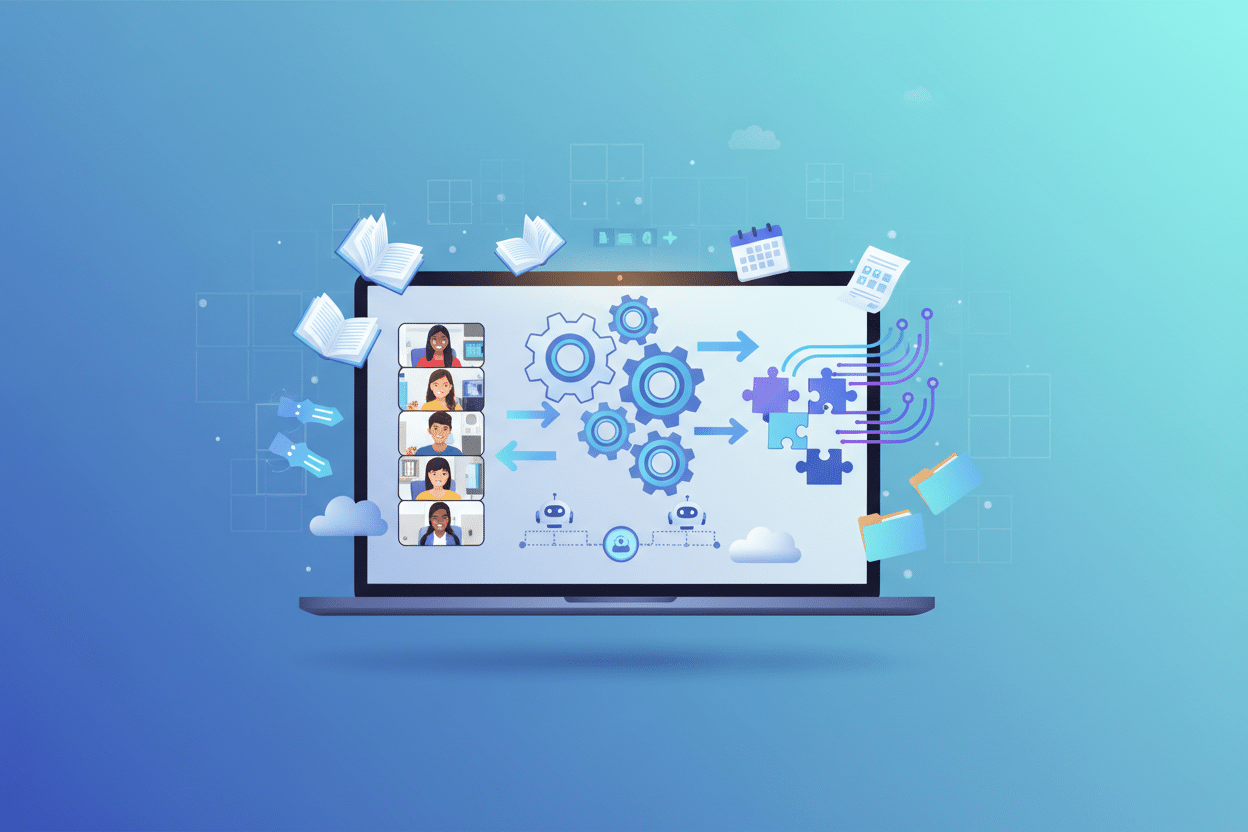
The Role of No-Code Automation in Enhancing Remote Learning 🚀
Remember when remote learning felt like trying to conduct an orchestra through a broken telephone? 📞 The pandemic thrust educators and students into the digital realm overnight, and many of us scrambled to make sense of it all. Fast forward to today, and we’re witnessing a remarkable transformation in how education technology is reshaping the learning landscape.
Enter no-code automation – the game-changing technology that’s making remote learning smoother, more engaging, and surprisingly accessible. You don’t need to be a coding wizard to harness its power, and that’s precisely what makes it so revolutionary for educators worldwide.
Table of Contents
• Understanding No-Code Automation in Education
• Streamlining Administrative Tasks for Educators
• Creating Interactive Learning Experiences Without Coding
• Automating Student Assessment and Feedback Systems
• Building Seamless Communication Channels
• Personalizing Learning Paths Through Automation
• Cost-Effective Solutions for Educational Institutions
• Real-World Success Stories and Implementation Tips
• Future Trends and Emerging Opportunities
• Frequently Asked Questions
Understanding No-Code Automation in Remote Learning
Let’s start with the basics – what exactly is no-code automation, and why should educators care? 🤔 Simply put, no-code automation allows you to create sophisticated workflows and applications using visual interfaces instead of traditional programming languages. Think of it as digital LEGO blocks that you can snap together to build powerful educational tools.
In the context of remote learning, this technology eliminates the technical barriers that once prevented educators from creating custom solutions. Whether you’re a kindergarten teacher wanting to automate attendance tracking or a university professor looking to streamline assignment distribution, no-code platforms put the power of automation directly in your hands.
The beauty lies in its accessibility. You can drag, drop, and configure your way to creating automated workflows that would have required weeks of development time and significant technical expertise just a few years ago. This democratization of technology is particularly crucial in education, where budgets are often tight and technical resources limited.
Streamlining Administrative Tasks for Educators
Every educator knows the frustration of spending countless hours on administrative tasks instead of focusing on what they love most – teaching. 📚 No-code automation swoops in like a digital assistant, handling the repetitive tasks that eat away at your precious time.
Consider attendance tracking, for instance. Instead of manually checking who’s present in your virtual classroom, you can set up automated systems that record attendance based on login times, participation in polls, or interaction with course materials. Some educators have created workflows that automatically send gentle reminders to students who haven’t joined the session within the first ten minutes.
Grade recording becomes a breeze when you automate the transfer of quiz scores from your learning management system to your gradebook. One middle school teacher I know reduced her weekly grading administrative time from six hours to just thirty minutes by implementing a simple automation that collects, processes, and organizes student submissions automatically.
Parent communication, often a time-consuming necessity, can be revolutionized through automated progress reports. Set up triggers that send customized updates to parents when their child completes assignments, misses deadlines, or achieves significant milestones. The personal touch remains, but the manual effort disappears.
Creating Interactive Learning Experiences Without Coding
Gone are the days when creating engaging digital content required a computer science degree! 🎮 No-code platforms are empowering educators to design interactive learning experiences that rival professionally developed educational games and simulations.
Virtual escape rooms have become incredibly popular in remote learning environments. Using no-code tools, teachers can create immersive puzzle-solving experiences where students navigate through educational content to “escape.” A history teacher might design a virtual journey through ancient Rome, where students solve historical puzzles to progress through different locations.
Interactive storytelling platforms allow language arts teachers to create branching narratives where student choices influence the story’s direction. These choose-your-own-adventure style experiences not only engage students but also help them understand cause-and-effect relationships in literature.
Real-time collaboration tools can be customized without coding to facilitate group projects. Imagine creating a virtual science lab where students from different locations can collaborate on experiments, with automated data collection and analysis tools built right into the experience.
Automating Student Assessment and Feedback Systems
Assessment in remote learning environments presents unique challenges, but no-code automation transforms these obstacles into opportunities for more effective evaluation. ✅ The key is creating systems that provide immediate, meaningful feedback while reducing the grading burden on educators.
Automated quiz generation has evolved far beyond simple multiple-choice questions. Modern no-code platforms can create adaptive assessments that adjust difficulty based on student responses, ensuring that each learner is appropriately challenged. These systems can pull questions from vast databases, randomize answer choices, and even generate similar problems with different variables for math and science subjects.
Peer review automation is another game-changer. Set up workflows where student submissions are automatically distributed to classmates for review using predetermined rubrics. The system can ensure fair distribution, track completion rates, and compile feedback for both students and instructors.
Portfolio assessment becomes manageable when automated systems track student work over time, highlighting growth patterns and identifying areas needing attention. These systems can generate visual progress reports that help students understand their learning journey and motivate continued improvement.
Building Seamless Communication Channels
Communication is the lifeline of successful remote learning, and no-code automation ensures that important messages never fall through the cracks. 💬 The challenge isn’t just sending information – it’s ensuring the right information reaches the right people at the right time.
Automated notification systems can be configured to send different types of updates to various stakeholders. Students might receive assignment reminders and deadline alerts, while parents get weekly progress summaries, and administrators receive attendance reports. The beauty is that you set it up once, and it runs continuously.
Discussion forum moderation becomes more manageable with automated systems that flag inappropriate content, highlight questions that need instructor attention, and even suggest relevant resources based on student queries. This doesn’t replace human oversight but makes it more efficient and targeted.
Office hours scheduling can be automated to allow students to book appointments, receive confirmation emails, and get reminder notifications. The system can even prepare instructors by providing context about the student’s recent performance and specific areas where they might need help.
Personalizing Learning Paths Through Automation
Every student learns differently, and no-code automation makes it possible to provide truly personalized educational experiences at scale. 🎯 This isn’t about replacing the human element in teaching – it’s about amplifying your ability to meet each student’s unique needs.
Adaptive learning paths can be created that automatically adjust based on student performance and learning preferences. If a student excels in visual learning but struggles with text-based materials, the system can automatically provide more infographics, videos, and interactive diagrams while reducing reading-heavy assignments.
Content recommendation engines, similar to those used by streaming services, can suggest additional resources, practice exercises, or enrichment activities based on a student’s interests and academic performance. A student passionate about environmental science might automatically receive links to relevant documentaries, articles, and virtual field trips.
Intervention triggers can be set up to identify students who might be struggling before they fall too far behind. When patterns indicate potential difficulties – such as declining participation, missed assignments, or poor quiz performance – automated systems can alert instructors and even suggest specific support strategies.
Cost-Effective Solutions for Educational Institutions
Budget constraints are a reality in most educational settings, making the cost-effectiveness of no-code automation particularly appealing. 💰 The traditional approach of hiring developers or purchasing expensive software solutions is being replaced by more accessible alternatives.
Many no-code platforms offer educational discounts or free tiers specifically designed for schools and universities. This democratizes access to powerful automation tools that were once available only to well-funded institutions. A small rural school can now implement the same sophisticated systems used by major universities.
The return on investment becomes apparent quickly when you consider the time savings alone. If an automation saves each teacher just two hours per week, and you have twenty teachers, that’s forty hours of reclaimed time weekly – equivalent to hiring an additional full-time staff member.
Maintenance costs are significantly lower with no-code solutions because updates and modifications can be handled by educators themselves rather than requiring external technical support. This self-sufficiency is particularly valuable for institutions in remote areas where technical support might be limited or expensive.
Real-World Success Stories and Implementation Tips
Let me share some inspiring examples of how educators are already leveraging no-code automation to transform their remote learning environments. 🌟 These stories demonstrate that you don’t need to be in a tech-savvy district or have unlimited resources to make a significant impact.
Sarah, a high school biology teacher in rural Montana, created an automated lab report system using no-code tools. Students upload photos of their home experiments, and the system automatically organizes them by assignment, checks for completeness, and even provides initial feedback based on predetermined criteria. What used to take her an entire weekend now takes about an hour.
The mathematics department at a community college implemented an automated tutoring request system. When students struggle with specific concepts, they can request help through a simple form, and the system automatically matches them with peer tutors who have demonstrated mastery in those areas. The automation handles scheduling, sends reminders, and tracks session outcomes.
A elementary school created a reading progress tracking system that automatically updates parents when their children complete reading assignments at home. The system sends encouraging messages, suggests follow-up activities, and alerts teachers when students might need additional support.
When implementing no-code automation, start small and focus on solving one specific problem at a time. Don’t try to automate everything at once – this often leads to overwhelming complexity and potential failure. Choose a repetitive task that frustrates you most, automate that successfully, and then gradually expand your automation ecosystem.
Future Trends and Emerging Opportunities
The landscape of no-code automation in education is evolving rapidly, with exciting developments on the horizon. 🔮 Artificial intelligence integration is making these tools even more powerful, enabling predictive analytics that can identify learning difficulties before they become serious problems.
Voice-activated automation is emerging as a game-changer for accessibility. Students with physical disabilities or learning differences can interact with educational systems using natural speech, making remote learning more inclusive than ever before.
Virtual and augmented reality integrations are becoming more accessible through no-code platforms. Soon, creating immersive educational experiences will be as simple as designing a presentation, opening up incredible possibilities for subjects like history, science, and geography.
Cross-platform integration continues to improve, meaning your automation workflows can seamlessly connect different educational tools and systems. Imagine a future where your learning management system, video conferencing platform, gradebook, and communication tools all work together as one cohesive ecosystem.
Conclusion
No-code automation isn’t just changing remote learning – it’s revolutionizing education itself by putting powerful technological tools directly into the hands of educators. 🎓 The barriers that once separated teachers from technology are crumbling, revealing a landscape of possibilities that seemed impossible just a few years ago.
The most beautiful aspect of this transformation is that it amplifies human creativity rather than replacing it. Teachers can focus on what they do best – inspiring, mentoring, and connecting with students – while automation handles the repetitive tasks that once consumed so much valuable time.
As we look toward the future of education, one thing is clear: the institutions and educators who embrace no-code automation today will be best positioned to provide exceptional learning experiences tomorrow. The question isn’t whether you should explore these tools, but rather which automation will you implement first to make your remote learning environment more effective and engaging.
The journey toward automated excellence in education begins with a single step. Why not take that step today? 🚀
Frequently Asked Questions
What is no-code automation and how does it apply to remote learning?
No-code automation allows educators to create sophisticated workflows and applications using visual interfaces instead of programming languages. In remote learning, it helps automate administrative tasks, create interactive content, manage assessments, and personalize learning experiences without requiring technical expertise.
Do I need technical skills to implement no-code automation in my classroom?
No! That’s the beauty of no-code platforms – they’re designed for non-technical users. If you can use basic computer applications like email or word processing, you can learn to create automation workflows. Most platforms offer intuitive drag-and-drop interfaces and extensive tutorials.
How much does no-code automation cost for educational use?
Many no-code platforms offer free tiers or significant educational discounts. Costs vary depending on the platform and features needed, but most solutions are much more affordable than hiring developers or purchasing enterprise software. Many schools find the time savings alone justify the investment.
Can no-code automation integrate with existing learning management systems?
Yes! Most modern no-code platforms are designed to integrate with popular learning management systems like Canvas, Blackboard, Google Classroom, and Moodle. This allows you to enhance your existing setup rather than replacing it entirely.
What are the best no-code platforms for educators?
Popular options include Zapier for workflow automation, Airtable for database management, Google AppScript for Google Workspace integration, and Microsoft Power Automate for Microsoft environments. The best choice depends on your specific needs and existing technology infrastructure.
How can I ensure student data privacy when using automation tools?
Choose platforms that comply with educational privacy standards like FERPA and COPPA. Review privacy policies carefully, understand data storage practices, and implement appropriate access controls. Many educational no-code platforms are specifically designed with student privacy in mind.
What’s the learning curve for implementing no-code automation?
Most educators can create basic automations within a few hours of learning. More complex workflows might take several days to master. The key is starting with simple projects and gradually building more sophisticated systems as your confidence grows.
Can automation replace human interaction in remote learning?
Absolutely not! Automation is designed to handle repetitive tasks so educators can focus more on meaningful human interactions. The goal is to enhance, not replace, the personal connections that make education effective.
Click Here For More Details

 Restream.io 1 Month Pro Plan – Private Activation on Your Email
  Pinflux Elite 1 Year Plan – Full Pinterest Marketing Automation (Private Access)
