How to Use No-Code Tools for Effective Customer Support: A Complete Guide
Customer support has evolved dramatically over the past decade, and businesses are constantly searching for ways to provide faster, more efficient service without breaking the bank. Enter no-code tools – the game-changing technology that’s democratizing software development and revolutionizing how companies approach customer support. Whether you’re a small startup or an established enterprise, no-code platforms can transform your support operations without requiring a single line of code.
In this comprehensive guide, we’ll explore how you can leverage no-code tools to create powerful customer support systems that rival those built by traditional development teams. From automated chatbots to sophisticated ticketing systems, you’ll discover practical strategies that can be implemented immediately, regardless of your technical background.
Understanding No-Code Tools in Customer Support 🛠️
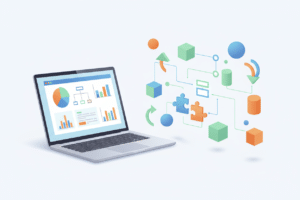
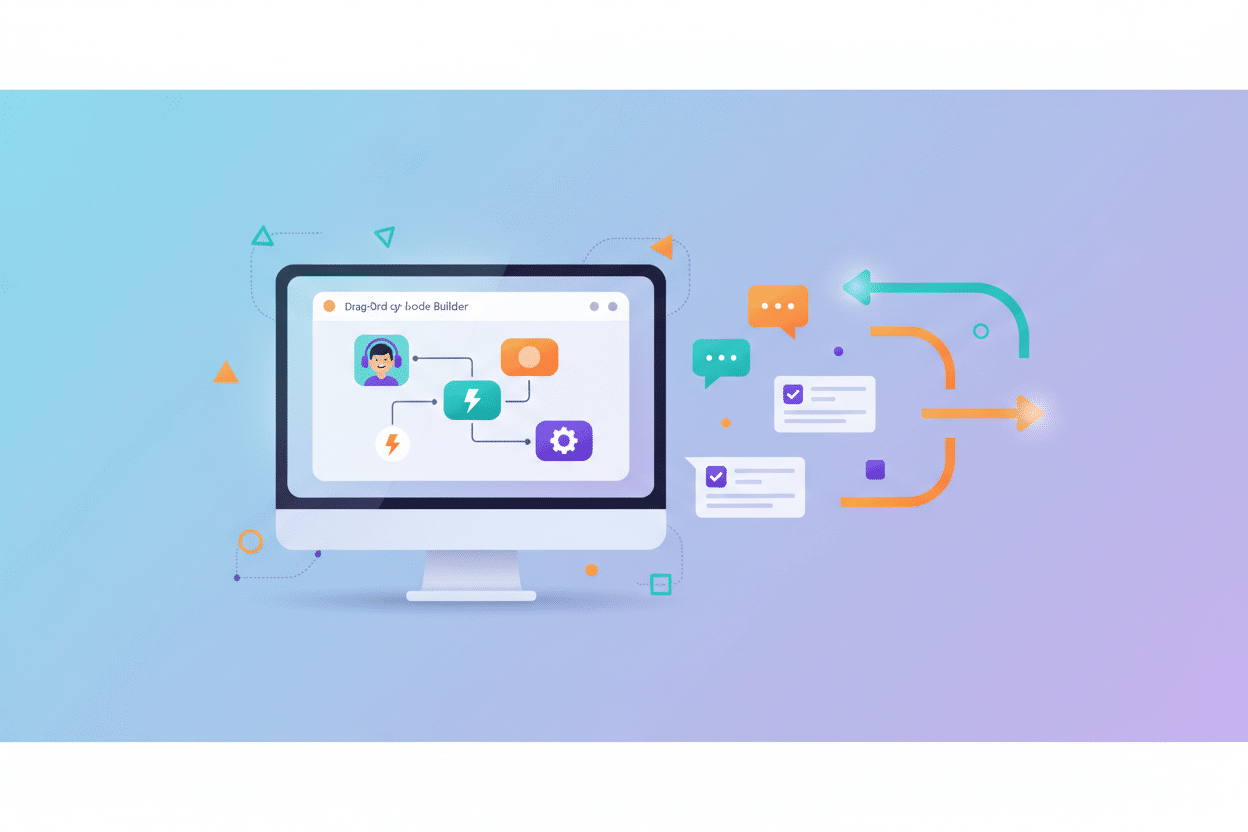
No-code tools are visual development platforms that allow users to create applications, workflows, and automated systems using drag-and-drop interfaces, pre-built templates, and intuitive design elements. Think of them as digital Lego blocks – you can build complex structures without needing to understand the underlying engineering.
In the context of customer support, these tools enable businesses to create sophisticated support ecosystems that include knowledge bases, chatbots, ticketing systems, and automated workflows. The beauty lies in their accessibility; your customer service manager can build a custom support portal over the weekend, or your marketing team can create an automated follow-up system without waiting months for IT resources.
The rise of no-code solutions has been particularly transformative for customer support because it addresses one of the industry’s biggest challenges: the need for rapid adaptation. Customer expectations change quickly, new communication channels emerge regularly, and support teams must be agile enough to respond. No-code tools provide that agility by putting the power of creation directly into the hands of the people who understand customer needs best.
Top No-Code Platforms for Customer Support Excellence
Selecting the right no-code platform can make or break your customer support transformation. Let’s examine some of the most powerful options available today, each with its unique strengths and ideal use cases.
Zapier stands out as the Swiss Army knife of automation. While not exclusively a customer support tool, its ability to connect over 5,000 different applications makes it invaluable for creating seamless support workflows. You can automatically create support tickets from emails, sync customer data across platforms, or trigger follow-up sequences based on support interactions.
Bubble offers more comprehensive application development capabilities, making it perfect for businesses that need custom support portals or complex customer dashboards. I’ve seen companies build entire customer success platforms using Bubble, complete with user authentication, data visualization, and integration capabilities that would typically require months of traditional development.
Airtable combines the simplicity of spreadsheets with the power of databases, making it excellent for creating sophisticated ticketing systems and customer information management. Its flexibility allows support teams to customize their workflows exactly as needed, while its collaboration features ensure everyone stays synchronized.
Chatfuel and ManyChat specialize in conversational AI, enabling businesses to create intelligent chatbots that can handle routine inquiries, qualify leads, and route complex issues to human agents. These platforms have become increasingly sophisticated, with natural language processing capabilities that create genuinely helpful customer interactions.
Building Automated Support Workflows That Actually Work 🤖
Creating effective automated support workflows requires more than just connecting a few tools together. It demands a deep understanding of your customer journey and a strategic approach to automation that enhances rather than replaces human interaction.
Start by mapping your current support processes. Where do customers typically enter your support ecosystem? What are the most common issues they face? How do these issues currently get resolved? This analysis will reveal the automation opportunities that provide the highest impact.
Consider implementing a tiered automation approach. Level one handles simple, repetitive tasks like password resets, order status inquiries, and basic product information requests. Level two manages more complex scenarios that require some logic and decision-making, such as routing tickets based on customer value or issue complexity. Level three involves sophisticated workflows that can predict customer needs and proactively address potential issues.
The key to successful automation lies in maintaining the human touch. Your automated systems should feel helpful and intelligent, not robotic and frustrating. This means crafting conversational language, providing clear escalation paths, and ensuring that customers can easily reach human agents when needed.
Testing and iteration are crucial. Start with simple automations and gradually add complexity as you learn what works for your specific customer base. Monitor metrics like resolution time, customer satisfaction scores, and escalation rates to continuously refine your automated workflows.
Creating Knowledge Bases and Self-Service Portals
Self-service options have become essential in modern customer support, with studies showing that over 70% of customers prefer to solve problems independently when possible. No-code tools make it easier than ever to create comprehensive, user-friendly knowledge bases that actually help customers find answers.
Platforms like Notion, Webflow, and even WordPress with no-code page builders allow you to create professional knowledge bases without technical expertise. The secret lies in organization and searchability. Structure your content around customer problems rather than your internal product categories. Use clear, descriptive headings and include visual elements like screenshots and videos to make complex processes easier to understand.
Interactive elements can significantly improve the effectiveness of your knowledge base. Consider implementing search functionality, filtering options, and feedback mechanisms that help you understand which articles are most helpful and which need improvement. Some no-code platforms even allow you to create interactive troubleshooting guides that walk customers through step-by-step solutions.
Don’t forget about mobile optimization. Many customers access support resources from their phones, especially when they’re experiencing issues with products or services. Ensure your knowledge base looks and functions perfectly on all devices, with fast loading times and easy navigation.
Implementing Smart Ticketing Systems Without Coding 🎫
A well-designed ticketing system serves as the backbone of effective customer support operations. No-code platforms have made it possible to create sophisticated ticketing solutions that rival expensive enterprise software, often at a fraction of the cost.
Modern no-code ticketing systems can automatically categorize incoming requests, assign priority levels based on customer tier or issue type, and route tickets to the most appropriate team members. They can also track response times, monitor agent workloads, and generate detailed analytics that help optimize support operations.
Integration capabilities are particularly important for ticketing systems. Your solution should seamlessly connect with your CRM, email platform, live chat system, and other customer-facing tools. This integration ensures that support agents have complete context when addressing customer issues, leading to faster resolutions and better customer experiences.
Consider implementing automated escalation rules that ensure no ticket falls through the cracks. If a ticket remains unresolved for a specified period, the system can automatically notify supervisors or reassign the issue to another agent. This automation prevents customer frustration and maintains service level agreements.
Leveraging Chatbots and AI for 24/7 Support
Chatbots have evolved far beyond simple FAQ machines. Today’s no-code chatbot platforms enable businesses to create sophisticated conversational AI that can handle complex customer interactions, integrate with backend systems, and provide personalized experiences based on customer history and preferences.
The most effective chatbots follow a hybrid approach, combining automated responses with seamless handoffs to human agents. This strategy allows businesses to provide instant responses to common inquiries while ensuring that complex issues receive appropriate human attention. The key is designing conversation flows that feel natural and helpful rather than frustrating and limiting.
Personality matters in chatbot design. Your bot should reflect your brand voice and values, whether that’s professional and formal or casual and friendly. Customers can sense when interactions feel authentic, and a well-designed chatbot personality can actually enhance customer relationships rather than detract from them.
Continuous learning and improvement are essential for chatbot success. Most no-code platforms provide analytics that show where conversations break down, which responses are most helpful, and how customers interact with different features. Use this data to refine your bot’s capabilities and expand its knowledge base over time.
Integrating No-Code Tools with Existing Systems 🔗
One of the biggest advantages of modern no-code platforms is their integration capabilities. Rather than replacing your entire tech stack, these tools can enhance and connect your existing systems, creating a more cohesive and efficient support ecosystem.
API integrations allow no-code tools to communicate with virtually any software system, from CRMs and help desk platforms to accounting software and inventory management systems. This connectivity means that customer support actions can trigger updates across your entire business infrastructure, ensuring consistency and eliminating manual data entry.
Webhook functionality enables real-time communication between systems, so when a customer submits a support request, relevant teams can be notified immediately, customer records can be updated automatically, and appropriate workflows can be triggered based on the nature of the inquiry.
Data synchronization is crucial for maintaining accurate customer information across all platforms. No-code integration tools can ensure that customer updates in one system automatically propagate to all connected platforms, preventing the confusion and inefficiency that comes from outdated or inconsistent information.
Measuring Success: Analytics and Optimization Strategies 📊
Implementing no-code customer support tools is just the beginning. The real value comes from continuously measuring performance and optimizing based on data-driven insights. Fortunately, most no-code platforms include robust analytics capabilities that make this process straightforward.
Key performance indicators for no-code customer support systems include response times, resolution rates, customer satisfaction scores, and automation success rates. However, don’t just focus on traditional metrics. Consider measuring customer effort scores, which indicate how easy it is for customers to get help, and self-service adoption rates, which show how effectively your knowledge base and automated tools are reducing support volume.
A/B testing capabilities built into many no-code platforms allow you to experiment with different approaches and identify what works best for your specific customer base. You might test different chatbot conversation flows, various knowledge base layouts, or alternative automated workflow triggers to optimize performance continuously.
Regular analysis of customer feedback provides qualitative insights that complement quantitative metrics. Look for patterns in customer comments and suggestions, and use this information to guide your optimization efforts. Sometimes the most valuable improvements come from addressing issues that don’t show up in traditional analytics.
Common Challenges and How to Overcome Them
While no-code tools offer tremendous opportunities for improving customer support, they also present unique challenges that require careful consideration and planning. Understanding these potential pitfalls can help you avoid them and implement more successful solutions.
Complexity creep is one of the most common issues. What starts as a simple automation can quickly become an unwieldy system of interconnected workflows that are difficult to maintain and troubleshoot. Combat this by maintaining clear documentation, implementing changes gradually, and regularly reviewing your systems to identify opportunities for simplification.
Integration limitations can sometimes restrict what’s possible with no-code solutions. While these platforms have become increasingly sophisticated, they may not always support every feature or integration you need. Plan for these limitations by thoroughly researching platform capabilities before committing and having backup plans for critical functionality.
User adoption challenges can undermine even the best-designed systems. Your support team needs to embrace new tools and processes for them to be effective. Invest in proper training, involve team members in the design process, and clearly communicate the benefits that new systems will provide for both agents and customers.
Data security and compliance considerations become more complex when using multiple no-code platforms. Ensure that all tools meet your industry’s security requirements and that data flows between systems maintain appropriate protection levels. This may require additional configuration or the selection of enterprise-grade platforms.
Future-Proofing Your No-Code Customer Support Strategy 🚀
The no-code landscape continues to evolve rapidly, with new capabilities and platforms emerging regularly. Building a future-proof customer support strategy requires staying informed about technological developments while maintaining flexibility in your current implementations.
Artificial intelligence integration is becoming increasingly sophisticated in no-code platforms. Future developments will likely include more advanced natural language processing, predictive analytics that can anticipate customer needs, and automated decision-making capabilities that can handle increasingly complex scenarios.
Voice and video support integration will become more prevalent as these communication channels continue to grow in popularity. Ensure that your chosen platforms can adapt to these emerging channels or can integrate with specialized tools that support them.
Multi-channel consistency will become even more critical as customers expect seamless experiences across all touchpoints. Your no-code strategy should prioritize platforms that can maintain consistent experiences whether customers interact via chat, email, social media, or emerging communication channels.
Scalability planning is essential for growing businesses. Choose platforms and design systems that can handle increased volume without requiring complete rebuilds. This might mean selecting enterprise-grade tools from the beginning or designing modular systems that can be expanded easily.
Conclusion
No-code tools have fundamentally changed what’s possible in customer support, democratizing access to sophisticated technology solutions that were once available only to large enterprises with substantial development resources. By leveraging these platforms strategically, businesses of all sizes can create customer support experiences that rival the best in their industries.
The key to success lies in approaching no-code implementation thoughtfully, with clear goals, proper planning, and a commitment to continuous improvement. Start with simple solutions that address your most pressing challenges, then gradually expand your capabilities as you gain experience and confidence with the platforms.
Remember that technology is only as good as the strategy behind it. The most sophisticated no-code customer support system won’t help if it doesn’t align with your customers’ needs and your business objectives. Focus on creating genuine value for your customers, and the technology will serve as a powerful enabler of that value.
As you embark on your no-code customer support journey, embrace experimentation and learning. These platforms make it easier than ever to try new approaches, test different solutions, and iterate quickly based on results. With the right mindset and tools, you can create customer support experiences that not only meet today’s expectations but also adapt and evolve with future needs.
The future of customer support belongs to businesses that can move quickly, adapt continuously, and leverage technology to enhance rather than replace human connections. No-code tools provide the perfect foundation for building that future, one automated workflow and satisfied customer at a time.
Click Here For More Details